How gas-spring lift assistance works, what counterbalance means, and how to choose between fixed and adjustable assistance.
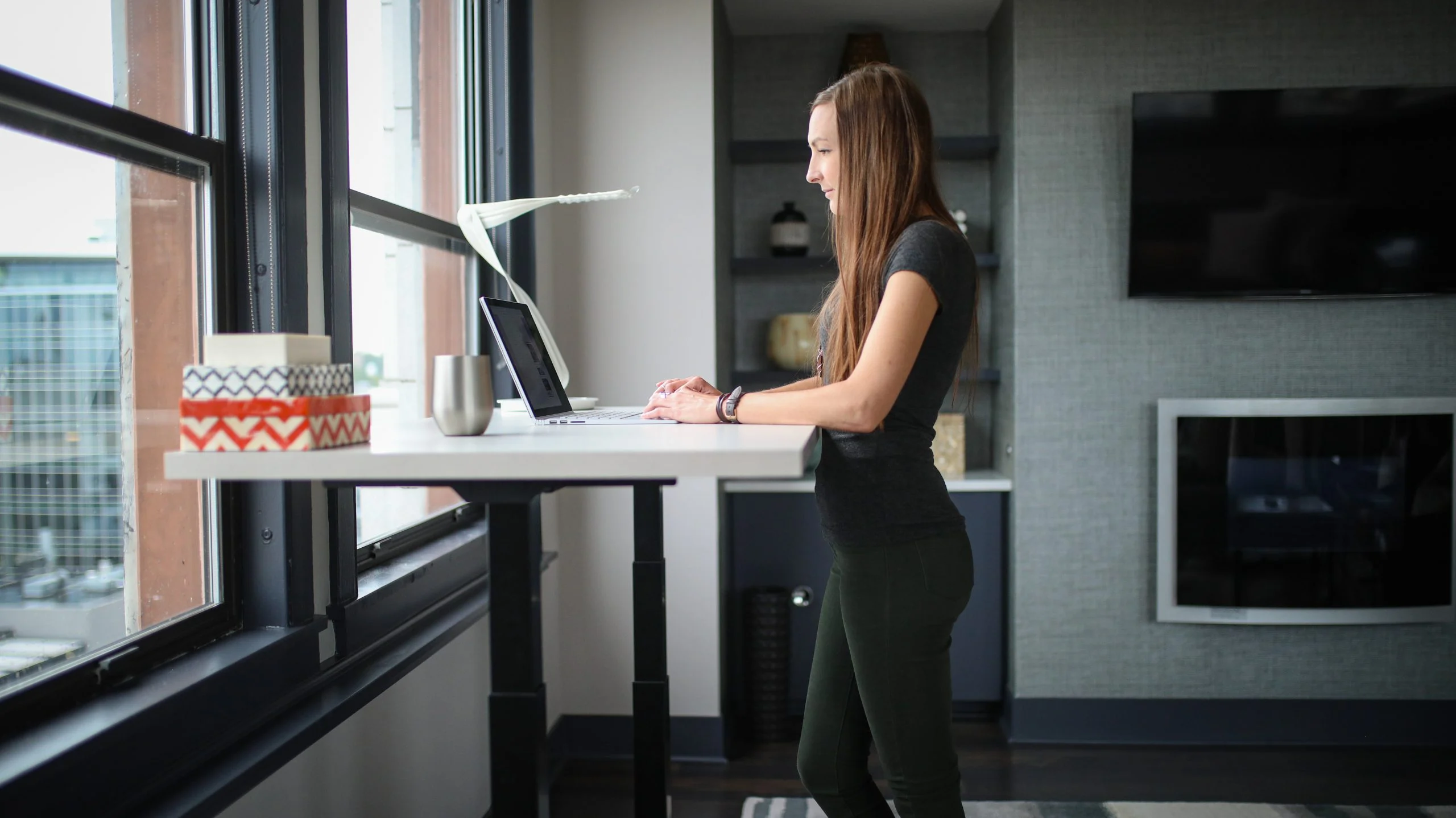
A pneumatic standing desk uses gas springs to provide lift assistance. Pulling the release handle unlocks the mechanism; you guide the work surface to the height you want, then release the handle to hold it in place.
There is no motor, control box, or power cord. The desk can be placed without planning around an outlet, and The Standing Desk’s pneumatic models move from sitting to standing in under three seconds.
For a broader comparison of lift types, read the standing desk mechanism guide.
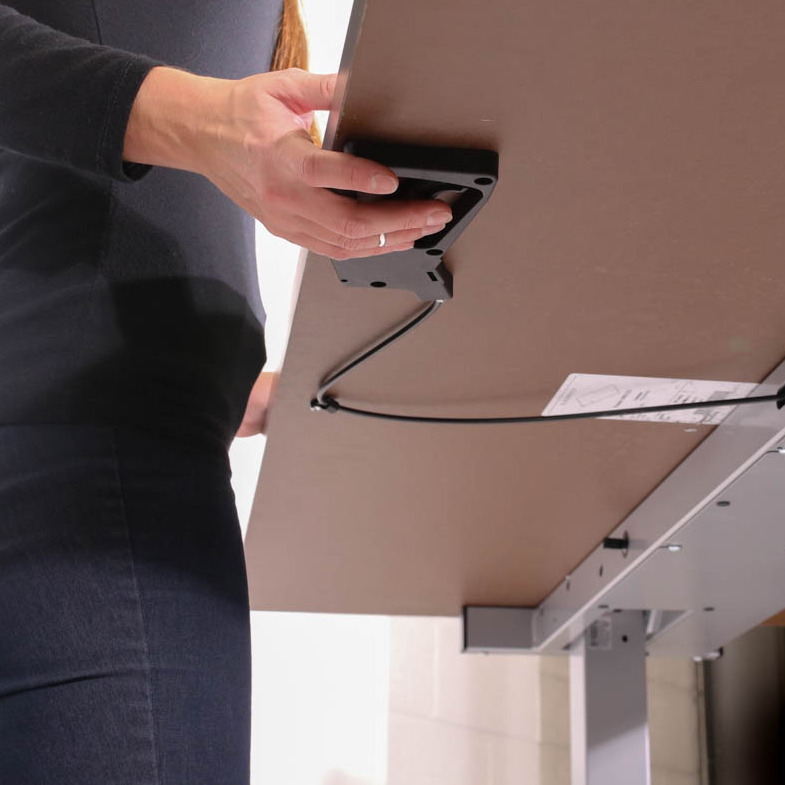
The handle sits beneath the work surface, within easy reach. Squeeze it to release the columns, guide the desk up or down, and let go when the surface reaches the right height.
The gas springs do the assisting; your hand controls the direction and stopping point. A properly matched setup should feel controlled rather than like lifting the full weight of the desk yourself.
Inside applicable dual-column frames, synchronization bands mechanically link the two sides. They keep the columns moving together so the work surface stays level as its height changes.
This mechanical connection is separate from lift assistance. The gas springs help with the weight; the synchronization system coordinates the columns.
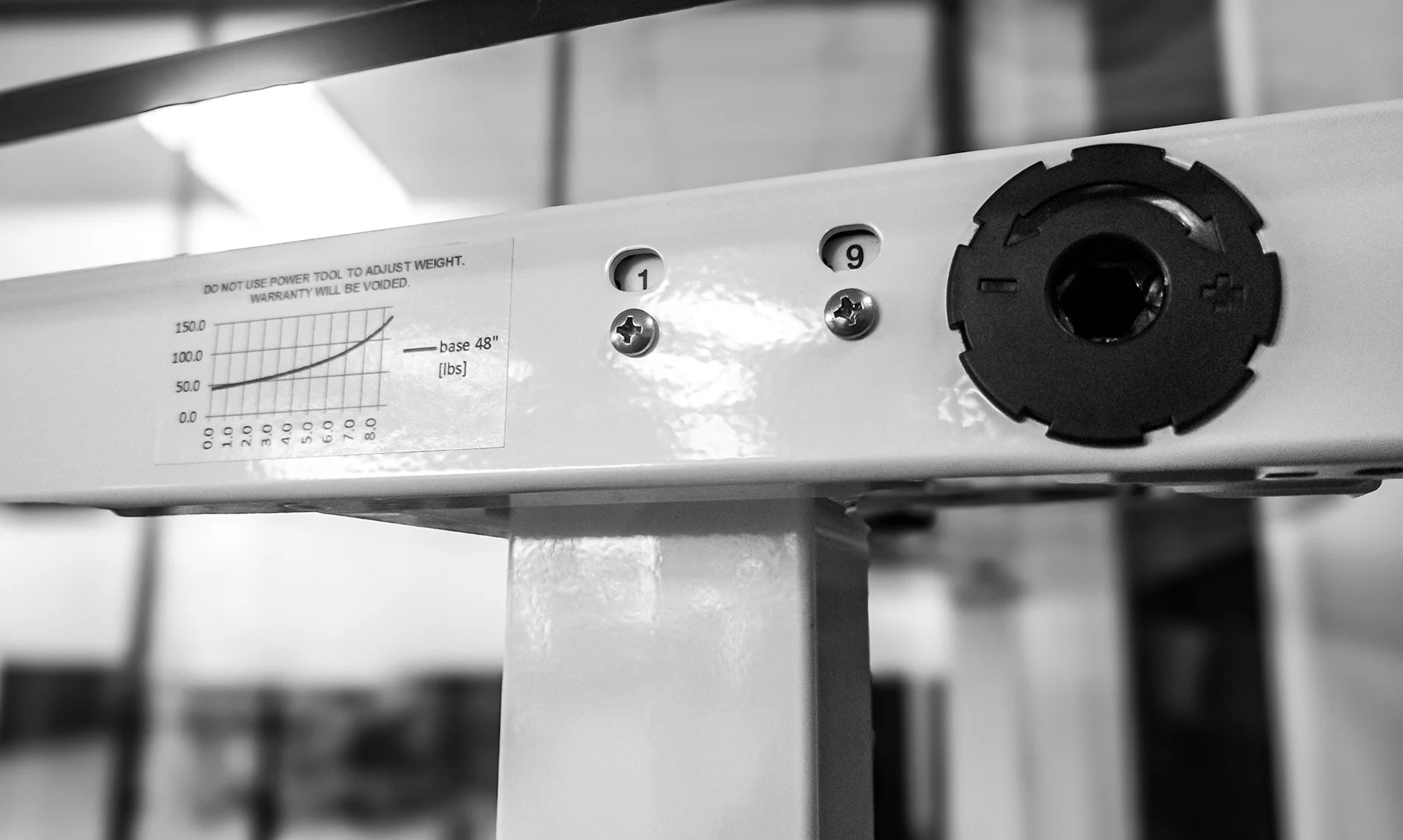
A fixed-assistance desk is tuned for an intended setup. It is the simpler, lower-priced choice when your equipment will stay fairly consistent and you do not want to tune the frame. Nimbus is the fixed-assistance option in our line.
An adjustable system has a wider working range. It can be tuned for lighter or heavier setups and retuned when equipment changes. Klöud adds this adjustment for workspaces that need more flexibility.
Small changes may still feel acceptable on a fixed system, but adding a monitor, desktop computer, printer, or another large item can change the balance enough to need a different setup.
A pneumatic desk balances two forces: gas-spring assistance pushing upward and the total setup weight pulling downward. Total setup weight includes the work surface and everything the desk moves.
The closer those forces are matched, the more controlled the desk feels in both directions.

The upward assistance is stronger than the downward weight. The desk may require more effort to lower.
Upward assistance and downward weight are closely matched. The desk should feel controlled in both directions.
The downward weight is stronger than the assistance. The desk may require more effort to raise.
Work surface + equipment = total setup weight.
Include monitors, monitor arms, computers, keyboards, lighting, and normal accessories. If you provide your own work surface, include its weight too.
When shopping, equipment allowance is usually the simpler number: it is the amount available for your equipment after the work-surface weight has been accounted for.
Equipment allowance is not structural load capacity. It describes the setup weight that produces the intended pneumatic feel.
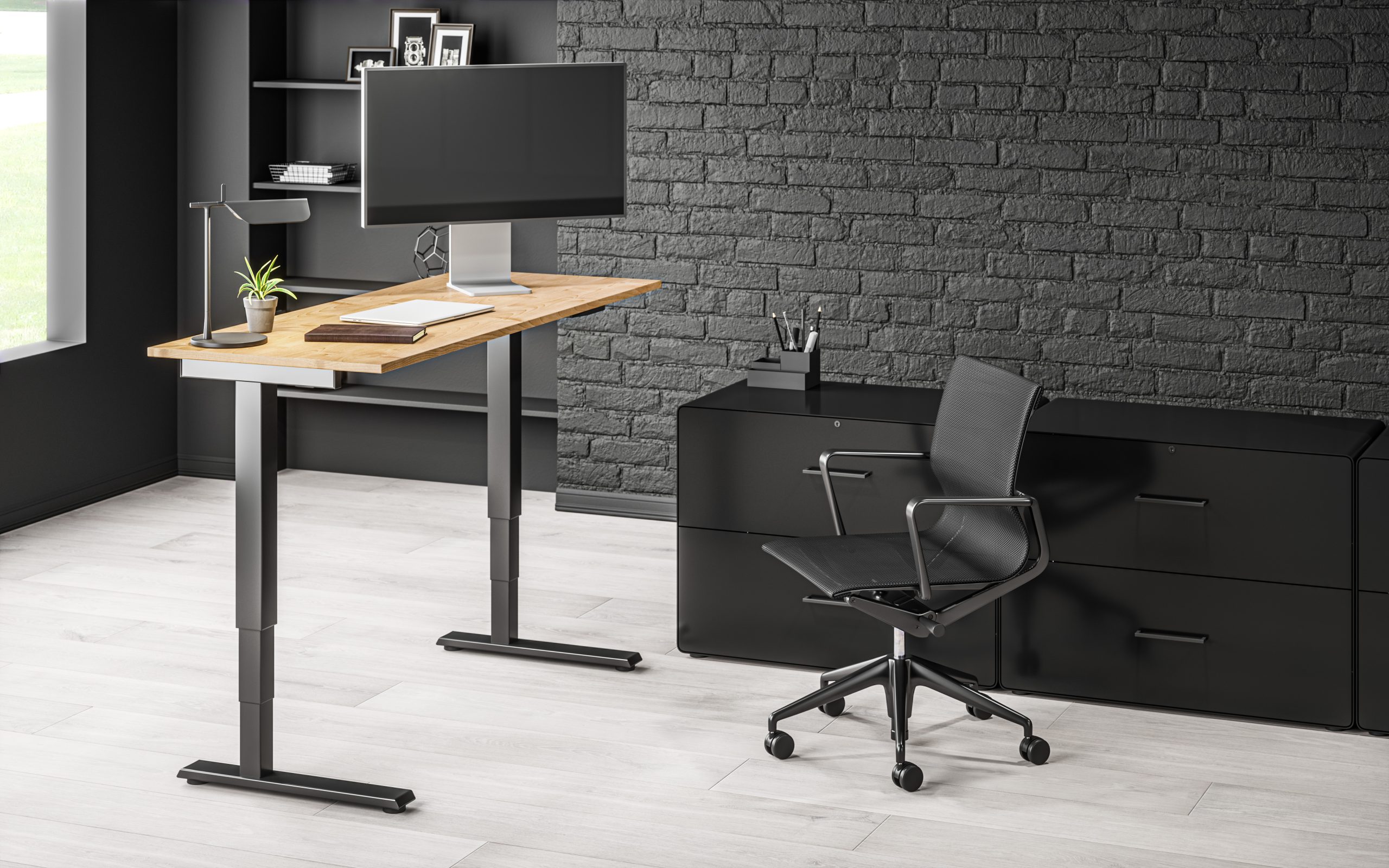
The Standing Desk pneumatic models move from sitting to standing in under three seconds without an outlet. The total setup weight and type of lift assistance need to match the equipment.
Motors raise and lower the work surface from a handset. Some electric desks include height presets. They require power and can suit heavier or frequently changing equipment setups.
A crank raises and lowers the work surface without electricity or lift assistance. Each position change takes repeated turning.
Choose a mechanism that fits your equipment, room, adjustment habits, and need for controls.
Pneumatic is a strong fit when you want to change height quickly, prefer not to use an outlet, and can match the lift assistance to a defined equipment setup.
Choose fixed assistance when the setup is predictable and simplicity matters. Choose adjustable assistance when the setup is especially light or heavy, or when monitors and other equipment are likely to change.
An electric desk may be the better choice when programmable positions or a substantially heavier setup matter more than outlet-free movement.
Read about pneumatic lift engineering from Kesseböhmer Ergonomics
The gas springs provide lift assistance, while you guide the desk and choose where it stops. The amount of assistance should match the setup weight.
A small change may remain within a comfortable range. A monitor, desktop computer, printer, or another large item can noticeably change the balance. An adjustable-assistance model can be retuned.
No. The lift and synchronization systems are mechanical.
Yes, provided it fits the frame and its weight is included when matching lift assistance. Similar dimensions and weight to the intended surface will preserve the expected feel most closely.
Choose Nimbus for a consistent, middle-weight setup and no tuning. Choose Klöud for its wide adjustment range, including lighter setups, heavier setups, or equipment that may change.
Nimbus keeps the decision simple for a stable setup. Klöud adds a wide tuning range. Compare them side by side, including equipment allowances and height ranges, or browse every standing desk.