
An adjustable desk offers more than one work-surface height. That alone does not establish whether it will fit a particular person or workspace. If accessibility is part of your decision, check the actual approach, clearance, controls, and equipment setup before choosing a model.
Accessibility starts with the way you actually work. You may use the desk while seated, while standing, or in more than one position. Standing is not a required goal. Note the height you need for your keyboard and monitor, the items you must reach, and whether the chair or mobility device you use changes the available space.
Use those measurements to evaluate a specific desk and configuration. A product photograph can show the general form, but it cannot confirm the fit of your chair, body, equipment, or room.
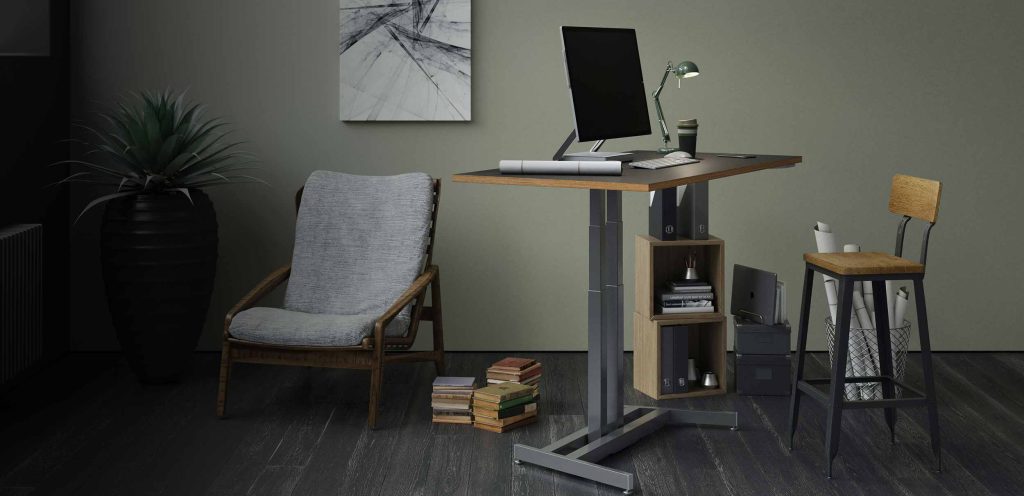
Check the space around and beneath the desk at the working height you need. Include the desktop edge, frame, feet, crossbars, and any accessories that may affect your approach. If you use a wheelchair or other mobility device, measure its armrests, knees, footrests, and turning space against the complete workstation, not just the work-surface width.
Published height and surface dimensions are a starting point. Ask for the specific under-desk measurements you need when they are not listed. Do not assume that an adjustable height makes the full setup accessible.
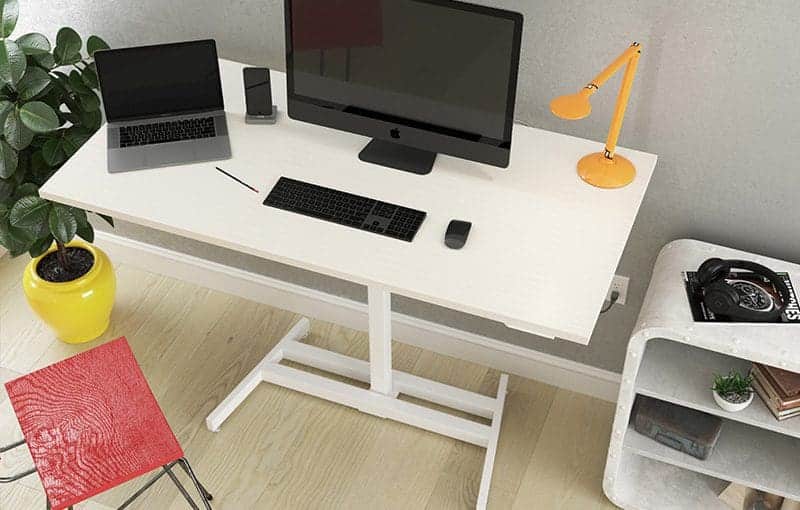
Consider where the adjustment control sits, how far you must reach, and what hand movement it requires. On our applicable pneumatic models, a release handle sits beneath the work surface; activating it lets you guide the desk up or down. Other models have different controls and movement. A button, handle, or motor should not be assumed easier for every person.
If reach, grip, or operating effort is important to your decision, ask our team about the exact model and try the control when possible. We should not label a desk “ADA compliant” from its adjustment mechanism or a single measurement.
List monitors, mounts, input devices, assistive equipment, and anything else that will sit on or attach to the surface. Check their placement and cable slack through the heights you plan to use. For pneumatic models, compare your equipment with the approximate equipment allowance for the selected work surface; total setup weight includes that surface as well as the equipment.
Accessories can change reach and clearance. Verify the final configuration rather than assuming a base-desk photograph represents every setup.
If the desk is for a workplace, describe the tasks and measurements that matter to you when discussing equipment options. The U.S. Equal Employment Opportunity Commission explains that acquiring or modifying equipment can be part of a reasonable accommodation; the appropriate choice depends on the individual situation. No particular standing desk is automatically required or suitable.
Compare current desk models using their published dimensions and operating details. If a clearance or control detail is missing, contact our team before ordering. For advice about a personal medical or ergonomic need, consult a qualified professional who knows your circumstances.